Developer work, without the busywork

A calmer home for every repository. Catch every review.

GitDash gives you a focused web workspace for repository maintenance and a native Mac companion for GitHub review work that usually gets scattered across tabs, settings pages, and notification emails.

Connect with GitHub or GitLab. No passwords are handled by GitDash.

One developer toolkit

Built around the work that steals your attention.

GitDash does not replace GitHub or GitLab. It gives the repetitive, easy-to-miss work a faster home.

Native menu bar app01

Know when your review is needed

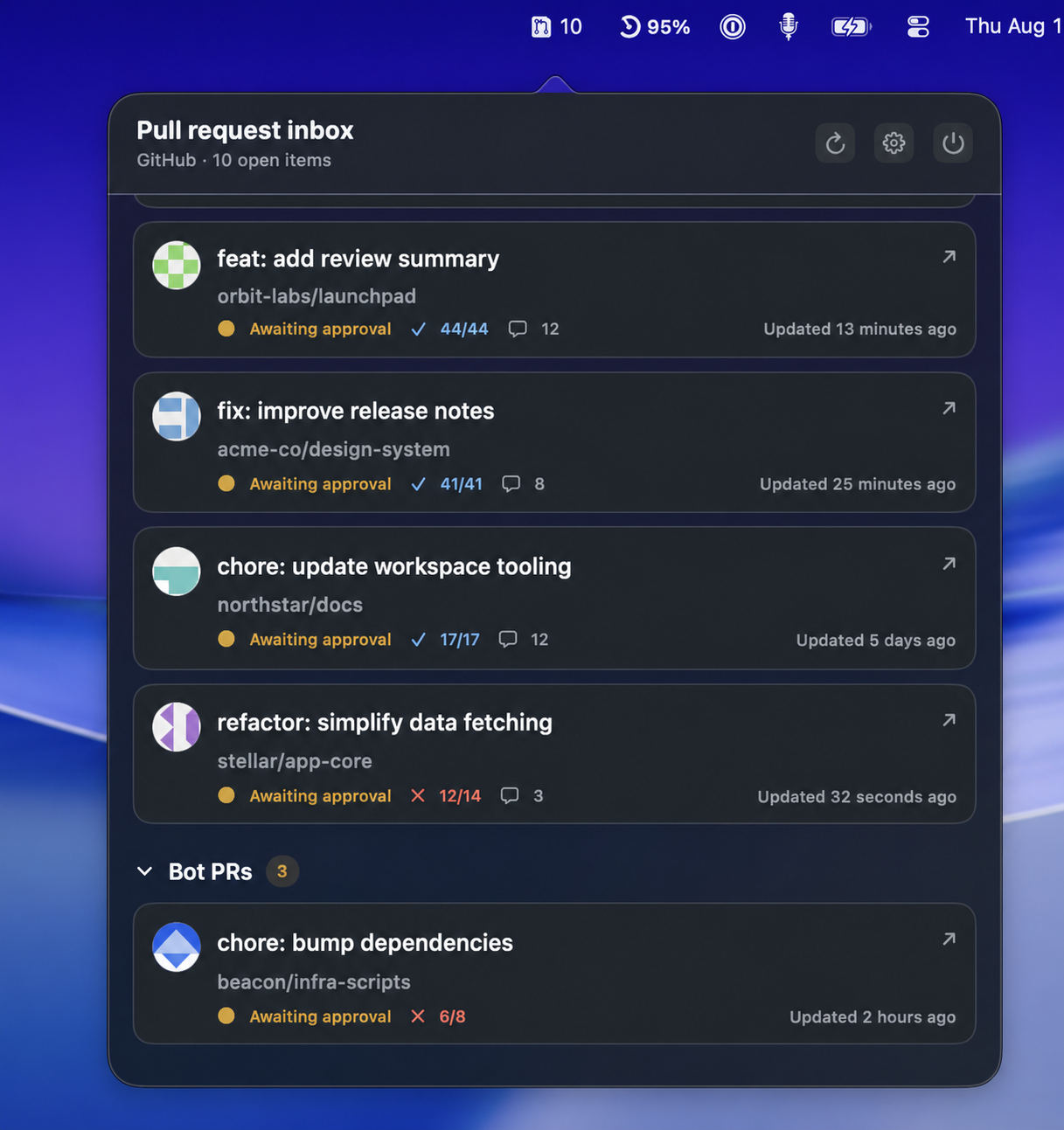
Get a clear, always-available view of pull requests waiting for you. GitDash connects through a GitHub App, delivers review requests in real time, and keeps your review queue one click away.

  • Instant alerts for new review requests
  • Review requests, mentions, assignments, and your open PRs
  • Smart sorting, filters, and organization scope
  • Native macOS notifications with no browser tab required
GitDash for Mac menu bar app showing pull requests waiting for review
GitHub and GitLab02

Take control of repository sprawl

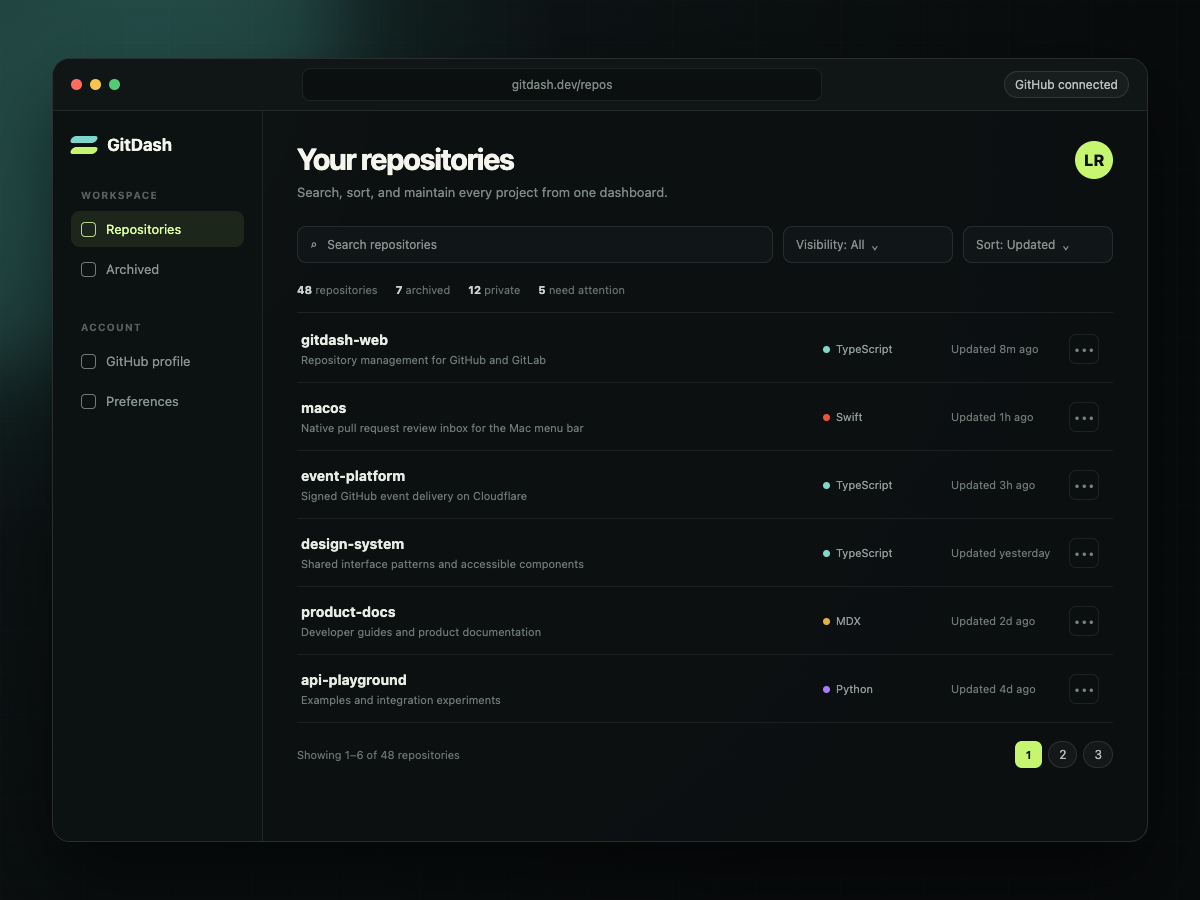
Find the repositories that need attention and update them without opening settings pages one by one. Search, filter, sort, edit, archive, and clean up from one focused dashboard.

  • See every repository in one searchable workspace
  • Filter and sort by visibility, activity, forks, and more
  • Edit names, descriptions, homepages, and visibility
  • Archive or remove old projects with clear confirmation
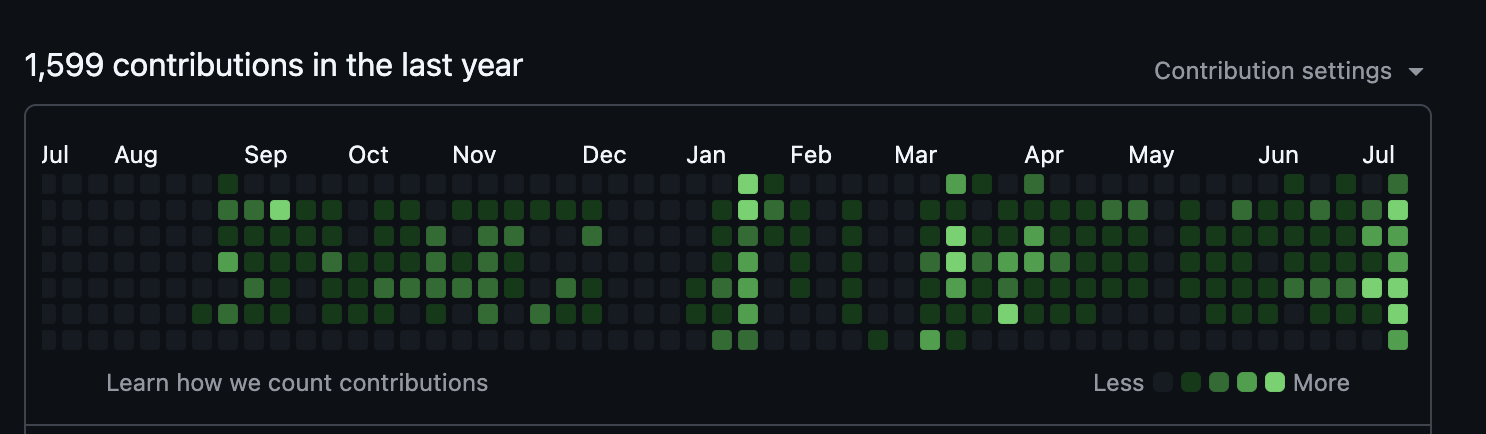
  • Paint real GitHub contribution commits with Commit Canvas
GitDash Web dashboard for searching, filtering, and managing GitHub repositories

Less maintenance. Less monitoring.

One toolkit for a calmer GitHub workflow.

01

Stop checking for review requests

The Mac app receives GitHub review events as they happen and brings the right pull request to your menu bar.

02

Stop hunting through repository settings

The web app turns repetitive cleanup and metadata changes into a fast, focused workflow.

03

Keep GitHub work in one system

Use each app on its own, or combine them for repository maintenance and day-to-day review work.

Clear by design

Your code stays on GitHub and GitLab.

GitDash uses official provider authentication and requests only the access each workflow needs. Repository data stays with your provider and is requested when you use the app.

Official authentication

GitHub App and OAuth flows, with no passwords handled by GitDash.

No repository database

Repository data is requested from your provider when you use the app.

Provider-first

GitDash works with repository data at GitHub and GitLab instead of maintaining a separate repository database.

Free to use

Both GitDash apps are available without a subscription or credit card.

Frequently asked

The short version.

What is GitDash?+

GitDash is a pair of focused developer tools. GitDash Web manages GitHub and GitLab repositories in bulk. GitDash for Mac tracks GitHub pull requests and sends instant review notifications from the macOS menu bar.

Do I need both apps?+

No. Use the web app when you need repository cleanup and management. Use the Mac app when you want a faster pull request review workflow. They work well together, but each app stands on its own.

How does the Mac app deliver instant notifications?+

A GitHub App sends signed review-request events to GitDash. The event service wakes the Mac app immediately, so you do not have to wait for the next polling interval.

Does GitDash support GitLab?+

GitDash Web supports GitHub and GitLab repository management. The Mac review companion currently supports GitHub.

Where does GitDash keep my repository data?+

GitDash works directly with GitHub and GitLab through official authentication. Repository data is requested from your provider when you use the app; GitDash does not maintain a separate repository database.

Choose your starting point

Spend less time managing GitHub. Get back to building.