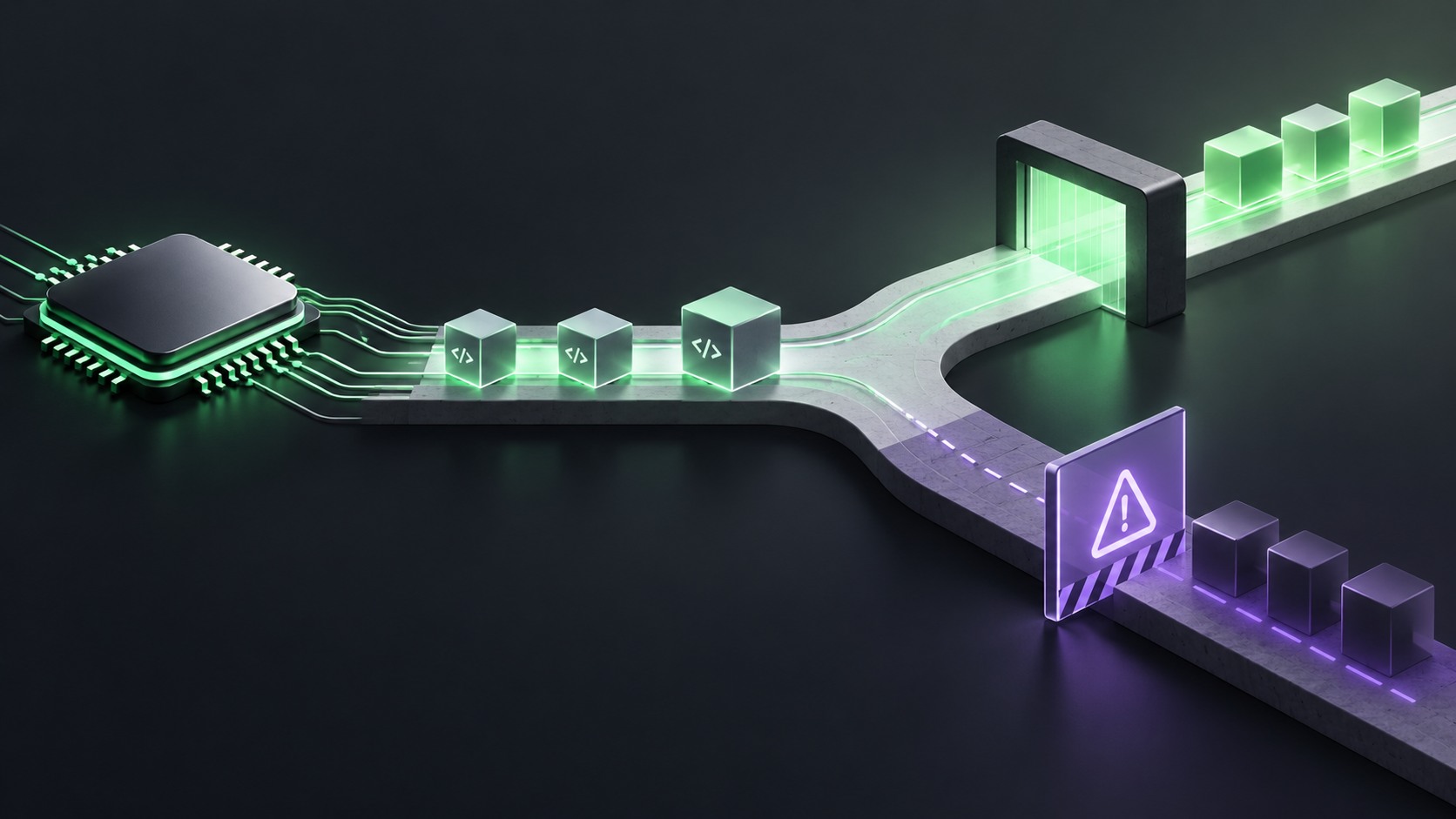
GitHub has published a compatibility warning for CodeQL users moving to macOS 27, Xcode 27, or Swift 6.4. Apple no longer includes Intel code in some system binaries and libraries that CodeQL relies on to trace builds. That means a workflow can still start successfully while the security scan cannot extract the code it needs.
The safe migration is to pin the runner image and toolchain before changing the source language version. For Swift scans, stay on macOS 26 or earlier and Xcode 26 or earlier for now. For some other compiled languages, you may be able to avoid tracing with CodeQL's build mode none.
What breaks
GitHub's current guidance separates the problem into three cases. With Xcode 27 installed, traced extraction is unavailable for C/C++, C#, Go, Java, Kotlin, and Swift. On macOS 27, traced extraction may be unavailable for those languages. Swift 6.4 is not supported by CodeQL on any platform.
Intel-based Macs are a separate planning issue. GitHub says CodeQL support for Intel-based Macs will be deprecated in mid-December 2026. That is a deadline for runner planning, not a reason to silently move production scans to a new image this week.
Pin the scan environment first
If your workflow depends on a macOS runner, treat the operating system, Xcode, Swift toolchain, and CodeQL action as one compatibility set. Pin the runner image and the toolchain in the workflow instead of relying on the latest available versions. This keeps a source change from accidentally becoming a build-environment change.
Record the reason for the pin in the workflow or its maintenance notes: CodeQL traced extraction compatibility, not a general preference for older tools. Give the pin an owner and a review date so it becomes a migration checkpoint rather than permanent drift.
Run the scan in a representative repository before changing the shared workflow. Check the build, the CodeQL extraction step, the analysis step, and the upload result. A green compile job is not enough if the scan produced no database or skipped the language.
When build mode none helps
For C/C++, C#, and Java, GitHub documents a build mode none option that does not require tracing a build. This can keep a scan working when traced extraction is the part blocked by the newer toolchain.
Do not treat build mode none as an equivalent replacement for every project. It changes how CodeQL creates the database and can affect the analysis information available to queries. Compare the results with a known-good traced scan, especially for generated code, macros, build flags, and language features that depend on the compiler invocation.
Swift is different here. The current guidance says Swift 6.4 is unsupported on any platform, so build mode none is not a general workaround for a Swift 6.4 migration. Keep the Swift scan on a supported toolchain until GitHub documents support.
A migration plan that does not hide failures
First, inventory which repositories run CodeQL on macOS and which languages use traced builds. Include reusable workflows and matrix jobs. The runner label may be hidden in a shared workflow rather than the repository's security configuration.
Second, pin the known-good macOS and Xcode combination. Keep the source language version unchanged while you prove the scan remains complete. If your workflow uses the latest runner label, replace it with the supported image your team has chosen.
Third, test the candidate upgrade separately. For Swift, test the CodeQL support boundary before adopting Swift 6.4. For C/C++, C#, and Java, compare traced extraction with build mode none if you need to move before tracing support returns.
Finally, monitor the scan as a security control. Check that the database contains the expected language, that the query suite runs, that results upload, and that alert counts do not disappear because extraction quietly stopped. Treat a sudden zero as something to investigate.
Do not mix this with the CodeQL bundle upgrade
CodeQL 2.27.2 also changed language analysis and the Go control-flow graph. Our guide to checking Go custom queries before upgrading covers that separate compatibility risk. Keep the CodeQL bundle, runner image, Xcode version, and source-language upgrade as separate changes where possible. Otherwise a failed scan gives you too many possible causes.
Checklist for the workflow change
Find every macOS runner and Xcode version used by CodeQL, including shared workflows and matrices.
Pin macOS 26 or earlier and Xcode 26 or earlier for Swift scans until the supported boundary changes.
Use build mode none only for the documented C/C++, C#, and Java cases, then compare results with a traced baseline.
Keep the runner, Xcode, CodeQL bundle, and language upgrade changes reviewable separately.
Alert on skipped extraction, missing databases, failed uploads, or an unexpected drop to zero results.
GitHub's CodeQL compatibility notice documents the platform limits. The build mode none documentation explains the supported compiled-language fallback, and the GitHub Community discussion is the place to follow updates.
Pin the environment before you change the language. For Swift, that means staying on a supported macOS and Xcode pair. For selected compiled languages, build mode none may keep analysis running, but compare it with a traced baseline. The goal is not merely a green workflow. It is a scan you can still trust.