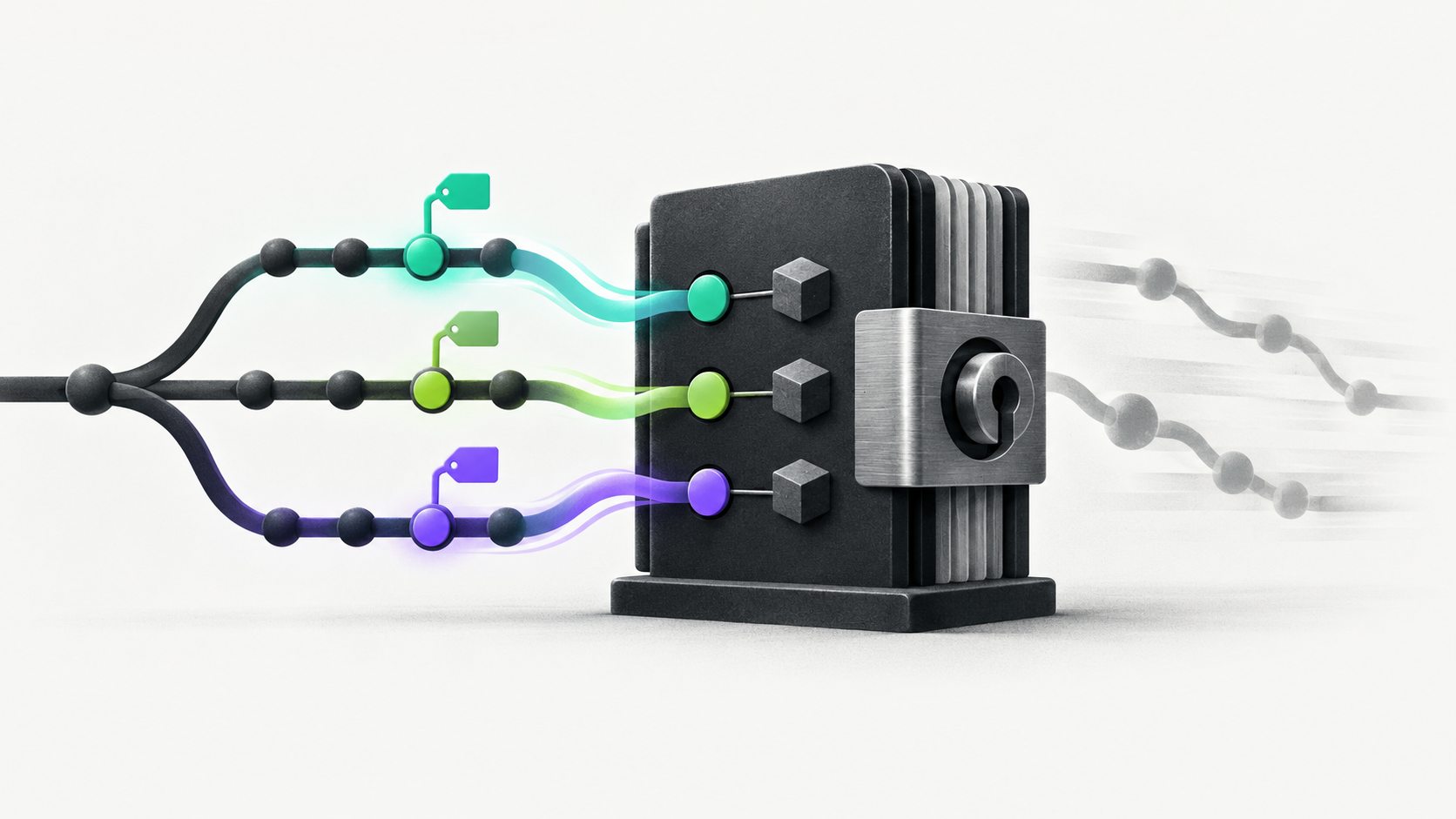
GitHub Actions workflow dependency lockfiles are now in public preview. They address a quiet problem in many CI pipelines: a workflow can refer to an action by tag or branch, then run different code later when that reference moves.
The new lockfile records the commits behind your workflow dependencies. You can review the change in a pull request, run the locked commits, and update them through the same review process as the workflow itself. The important detail is that locking makes execution repeatable, but it does not make an action trustworthy by itself.
Why a tag is not a version
A workflow reference such as an action tag or branch is convenient for maintenance, but the name is mutable. The action owner can move it to another commit. That can be a normal release, a bug fix, or a compromised update. If your repository does not change, the workflow file can still execute different code on a later run.
A commit pin gives the workflow a stable target. That improves repeatability and makes dependency movement visible in a diff. It also gives reviewers one concrete question: is this exact commit an acceptable update for this workflow?
What actions.lock contains
GitHub's gh actions-lock GitHub CLI extension generates .github/workflows/actions.lock. The file records commits for actions, transitive action dependencies, and reusable workflow dependencies.
Once a workflow is onboarded, GitHub Actions requires every dependency of that workflow to appear in the lockfile. A later tag movement does not change the commit used by that workflow. If the dependency is missing, the run does not silently fall back to a mutable reference.
The file is a record of what the workflow will run, not a security approval list. Review the action source, publisher, permissions, release history, and behavior before you lock it. A locked malicious commit is still malicious, but at least the execution target will not change without a reviewable update.
Onboard one workflow at a time
Do not start by locking every workflow in a large organization. Pick a representative workflow, generate the lockfile, review the dependency set, and run it through the same events and environments it uses in production. This catches reusable workflow references, local action paths, and generated-file assumptions before the policy reaches every repository.
Keep the lockfile change in the same pull request as the workflow onboarding change. Review the original references and the resolved commits together. That makes it clear whether the lockfile preserved the intended action version or unexpectedly selected a different revision.
Add a stale-lock check to CI after the first workflow works. The extension can verify that the lockfile is current without modifying files. Use that check to make drift visible while the team is still deciding how much enforcement it wants.
Dependabot keeps the pin useful
Pinning is only practical if updates stay manageable. GitHub says that when Dependabot opens an action version update for an onboarded workflow, it also regenerates the matching lockfile entry in the same pull request. The workflow reference and the locked commit can therefore move together without a second manual update.
That does not mean every update should merge automatically. Review the action changelog, the commit that the lockfile selects, permissions requested by the action, and any changes to scripts or reusable workflows. Dependabot removes synchronization work, not the need for a security review.
When to require lockfiles
The Require lockfile policy is also in public preview. Enterprise, organization, and repository administrators can require workflows to use lockfiles at their respective scope. Use that policy after you know how the repositories will generate, review, and update their files.
A policy without an update path creates blocked deployments and emergency exceptions. Before enforcing it, decide who owns the lockfile, how stale entries are refreshed, what happens when an action releases a security fix, and how a repository gets temporary help when its workflow is not yet compatible.
A review checklist for locked actions
Confirm the action reference in the workflow matches the intended major or release line.
Inspect the locked commit and the action's source before onboarding it.
Review transitive and reusable workflow dependencies, not only the top-level action names.
Check the workflow's GITHUB_TOKEN permissions and any secrets available to the action.
Test the workflow after onboarding, then keep the stale-lock check and Dependabot update path visible to the team.
Locking is one layer, not the whole defense
A lockfile protects against unexpected movement after review. It does not replace least-privilege workflow permissions, protected branches, code review, action pin review, or careful handling of secrets. If a workflow can be triggered by untrusted pull requests, keep the approval and secret boundaries explicit. Our guide to holding suspicious GitHub Actions runs for approval covers the related execution decision.
GitHub's workflow lockfile announcement documents the preview plans and behavior. The GitHub Docs guide has the setup details, while the gh-actions-lock repository is the place to inspect the extension and report issues.
Start with one important workflow. Generate and review actions.lock, verify the run, add a stale-lock check, and let Dependabot keep updates synchronized. Once that loop is boring, expand the policy. The value of a lockfile is not that dependencies never move. It is that they move when your team can see and review the move.