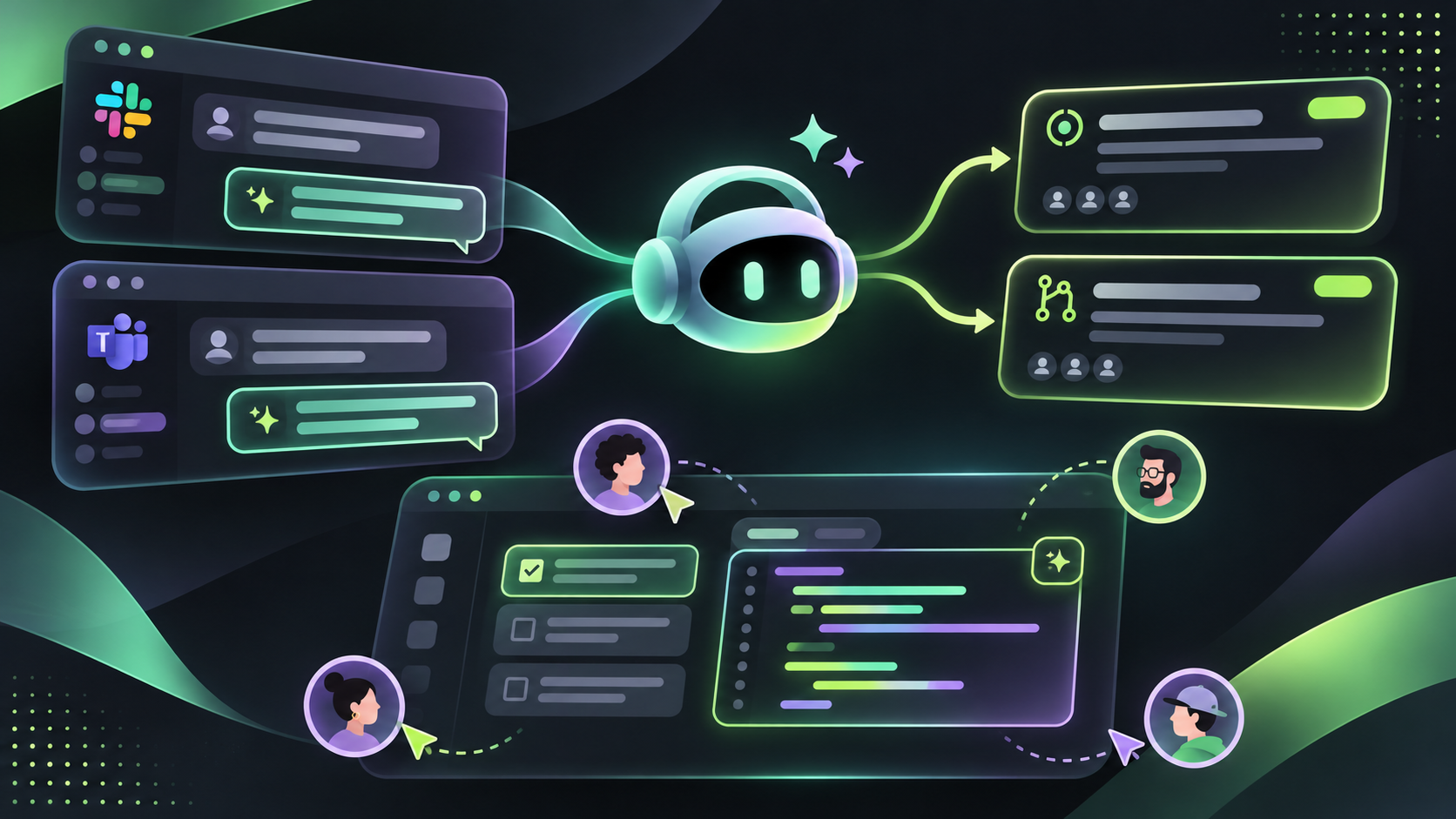
The useful shift is not simply adding a chatbot to a channel. A conversation can become an issue, a plan, an implementation session, or a pull request while the team keeps the original context. That makes the chat thread part of the handoff instead of a source of requirements someone must rewrite later.
What @GitHub can do from a conversation
Use @GitHub to investigate a failing workflow, explain a bug, create an issue from a decision, or ask Copilot cloud agent to implement a change. The resulting issue or pull request stays connected to the conversation, so teammates can continue steering the work in the same thread.
Set up the connection once
In Slack, an administrator installs the GitHub integration for the workspace. Invite the app to the channels that need it, then connect your GitHub account when prompted. In a channel, use @GitHub followed by the request; in a direct conversation, the app can be used without a channel mention.
In Teams, a workspace administrator installs the GitHub app. Open a direct conversation with the app and follow the authorization flow. In channels, start requests with @GitHub. The Teams app can also subscribe a channel to repository notifications and keep issue or pull request updates in a thread.
Make the repository explicit when the task matters
The latest update improves onboarding by identifying the repository from your message and launching the session without asking you to select it again. Still name the owner and repository in high-impact requests, especially when the discussion mentions several services. A clear request such as update the API in acme/service and the client in acme/web leaves less room for an agent to choose the wrong target.
Use Canvas in Teams for the reviewable middle
Canvas is useful when the team needs to review the work before accepting a pull request. Keep the implementation plan, code changes, and preview together beside the conversation. Teammates can comment on the result, correct assumptions, and refine the implementation without switching between a chat transcript and a separate review document.
Three workflows that fit the tool
For incident triage, ask @GitHub to investigate a failed workflow and explain the likely cause before changing code. Add the deployment, workflow run, or error link so the agent starts from evidence rather than a summary copied from memory.
For a product discussion, ask @GitHub to turn the agreed decision into an issue with acceptance criteria. The issue description can retain the conversation attribution, which gives the next contributor a reason and context for the work.
For a small fix, ask @GitHub to implement the change and open a pull request. In Teams, use Canvas to review the plan and preview with the team before merging. For a change across multiple repositories, confirm that the requester has write access to every selected repository.
Keep the permission boundary visible
The app sees the repositories and conversation context that its installation and connected account can access. A person who is present in the conversation can add context to an agent task, but that does not grant write access to a repository. Keep sensitive incident details in approved channels and review the repositories and tools connected to the app before enabling agent work.
Use the new attribution in project history
Issues and pull requests created by @GitHub now include a note that identifies them as created from a Slack or Teams conversation with the initiating username. Keep that text in place. It helps future maintainers understand where the request began and gives the team a path back to the original discussion.
Know which features are gated
Creating issues and managing pull requests through the integrations has its own GitHub access requirements. Copilot cloud agent work also depends on your Copilot plan, organization policy, cloud sandbox settings, repository write access, and the tools allowed by your setup. If @GitHub can discuss a task but cannot implement it, check those gates before rewriting the request.
A small rollout checklist
Install the app in one workspace. Connect a test account. Subscribe one channel to one repository. Create an issue from a short discussion. Run one investigation without changing code. Then test a small implementation request and review the resulting pull request in GitHub or Teams Canvas before expanding access.
@GitHub works best when the conversation contains enough context to make the next action clear, while repository names, permissions, and review gates stay explicit. Treat Slack and Teams as the front door for collaboration, and keep GitHub as the source of truth for the resulting issue, pull request, and code review.