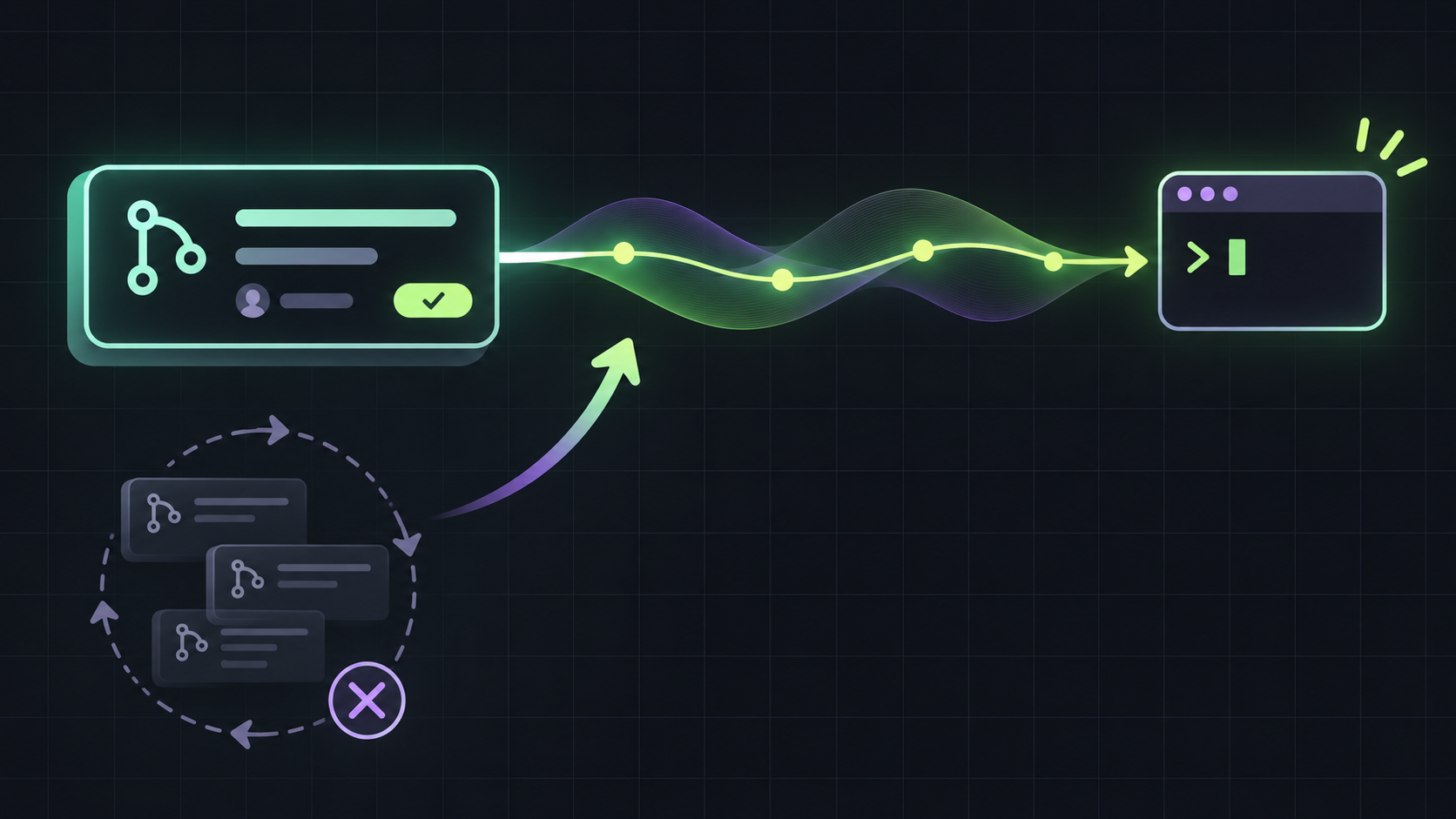
Polling is simple, but it creates repeated API requests, awkward sleep intervals, and race conditions around the moment a change happens. It is especially clumsy in scripts and coding agents that need to wait for a review, a new commit, or completed checks before taking the next action.
The basic command
Point the listener at a pull request and name the event you care about. For example, use gh event listen --resource https://github.com/OWNER/REPO/pull/123 --event com.github.pull_request.review.submitted.v1. The command opens the stream and prints each event as one line of JSON. By default it exits after the first event, which makes it useful in a shell script or agent step.
Events you can wait for
Useful flags for scripts
Use --count when you need more than one event, --follow to keep listening, and --timeout to bound how long the command waits. Use --jq or --template to turn the JSON event into the small value your next command needs. These options keep the waiting logic in the CLI rather than spreading API parsing and retry behavior across every script.
Waiting for checks without polling
For a pull request workflow, listen for com.github.pull_request.check_suite.status.changed.v1, then fetch the API URL from the event and inspect the current pull request or check suite. A single push can produce several check suite events because different apps can report their own suites. If you need to know whether every required check is complete, query the pull request's check suites after each event rather than assuming one event represents the whole run.
Avoid the startup race
Event Streams only delivers changes that happen while the listener is open. A change that occurred before the stream started is not replayed. Read the pull request once before or immediately after the listener is ready, then treat the stream as a trigger to fetch current state. This matters for reviews and checks because the event is a notification that something changed, not always the complete state you need.
Preview limits to plan around
When to use it
Use gh event listen for short-lived developer tools, local automation, and agents waiting on one pull request. Keep webhooks for durable, server-side integrations that must receive events while your process is offline. Event Streams is a useful fit when the client can keep an SSE connection open and can fetch the latest resource state after each event.