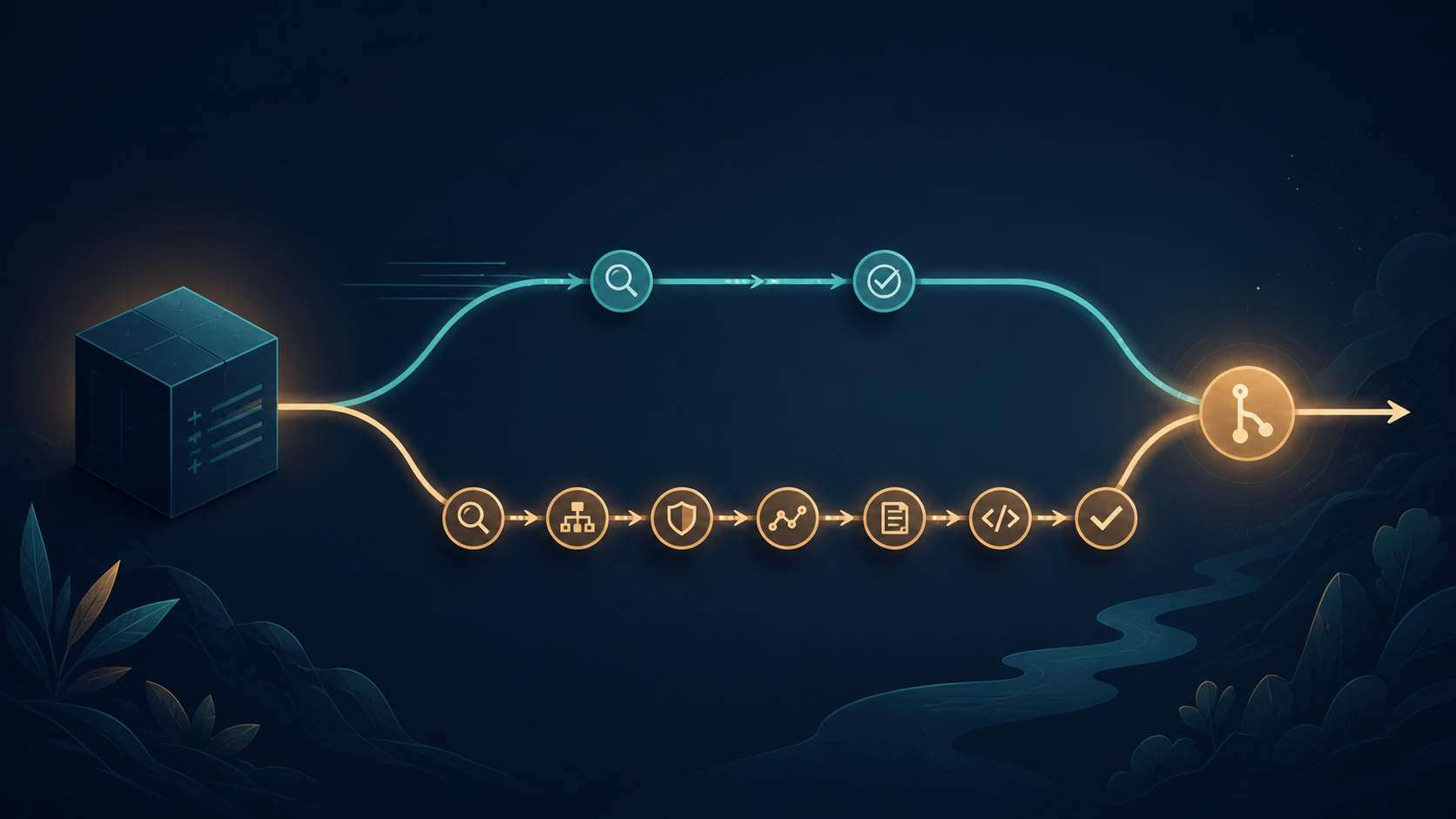
GitHub Copilot's Auto model selection now gives you three ways to tune the router: Efficiency, Balance, and Intelligence. You still choose Auto rather than a specific model, but you can tell it what matters most for the task: lower cost, a practical mix of cost and quality, or the strongest available result.
The three tiers use the same set of available models. Auto still evaluates each prompt and chooses the model it considers suitable. The tier changes the objective of that choice, not a fixed model assignment. GitHub's announcement and the Auto model selection guide describe the current rollout.
What the three tiers mean
- Efficiency prioritizes keeping cost low and suits short, straightforward work.
- Balance weighs cost, quality, and response time together for everyday development.
- Intelligence prioritizes quality for complex reasoning, large changes, and difficult debugging.
These are routing preferences, not guarantees. A simple prompt can still use a small model while Auto is set to Intelligence if that is the best fit for the prompt.
Choose the tier by task, not identity
A practical default is Balance. Move down when the task is easy to verify and move up when a wrong answer costs more than a slower or more expensive response.
Efficiency
  Rename a variable
  Add a docstring
  Explain a small function

Balance
  Implement a normal feature
  Write tests for a module
  Review a focused pull request

Intelligence
  Trace a production bug across services
  Plan a large refactor
  Review security-sensitive or complex logic
Do not use Intelligence as a status signal. The tier is a task setting, not a measure of how important the person or repository is. A routine change in a critical repository may still be an Efficiency task; a small-looking authentication change may deserve Intelligence.
How billing works
The tier itself does not set a fixed price. Usage is charged according to the model Auto selects for the interaction and the tokens it consumes. Intelligence can make a higher-cost model more likely for difficult work, but it can still choose a lower-cost model for a simple prompt.
Paid Copilot subscribers receive a 10 percent discount on model costs when using Auto in Copilot Chat, Copilot CLI, GitHub Copilot app, or Copilot cloud agent. Check the models and pricing documentation for current rates and plan rules.
Auto is also a reliability choice
Auto model selection can consider real-time model health and availability, not only task complexity. That can reduce rate limits, latency, and errors when a particular model is busy or degraded. Model availability is still constrained by your plan and administrator policies.
You can see which model handled a response in Copilot Chat, Copilot CLI, Copilot cloud agent, and the GitHub Copilot app. Use that visibility to compare the tier you selected with the model Auto actually used.
Avoid mid-session model thrashing
If you switch models repeatedly inside one long task, the next request may not reuse the previous model's context cache. GitHub recommends using Auto when you want the router to adapt without manually switching models mid-session. Pick a tier at the start, keep it for the task, and change it only when the task itself changes.
One task, one routing goal

1. Start with Balance.
2. Keep Auto selected for the session.
3. Use Intelligence if the task grows complex.
4. Start a new session when the task changes completely.
5. Check the selected model and usage afterward.
A useful team policy
- Set Balance as the team default for everyday work.
- Recommend Efficiency for small edits, explanations, and quick questions.
- Reserve Intelligence for tasks where deeper analysis is likely to avoid rework.
- Review usage reports by task type rather than judging the tier from one response.
The new tiers make Auto easier to fit to real work. Efficiency is a good default for small, verifiable tasks. Balance is the sensible everyday setting. Intelligence is for complexity, not prestige. Keep the choice tied to the task, watch which model was selected, and use the current pricing page when you need exact cost numbers.