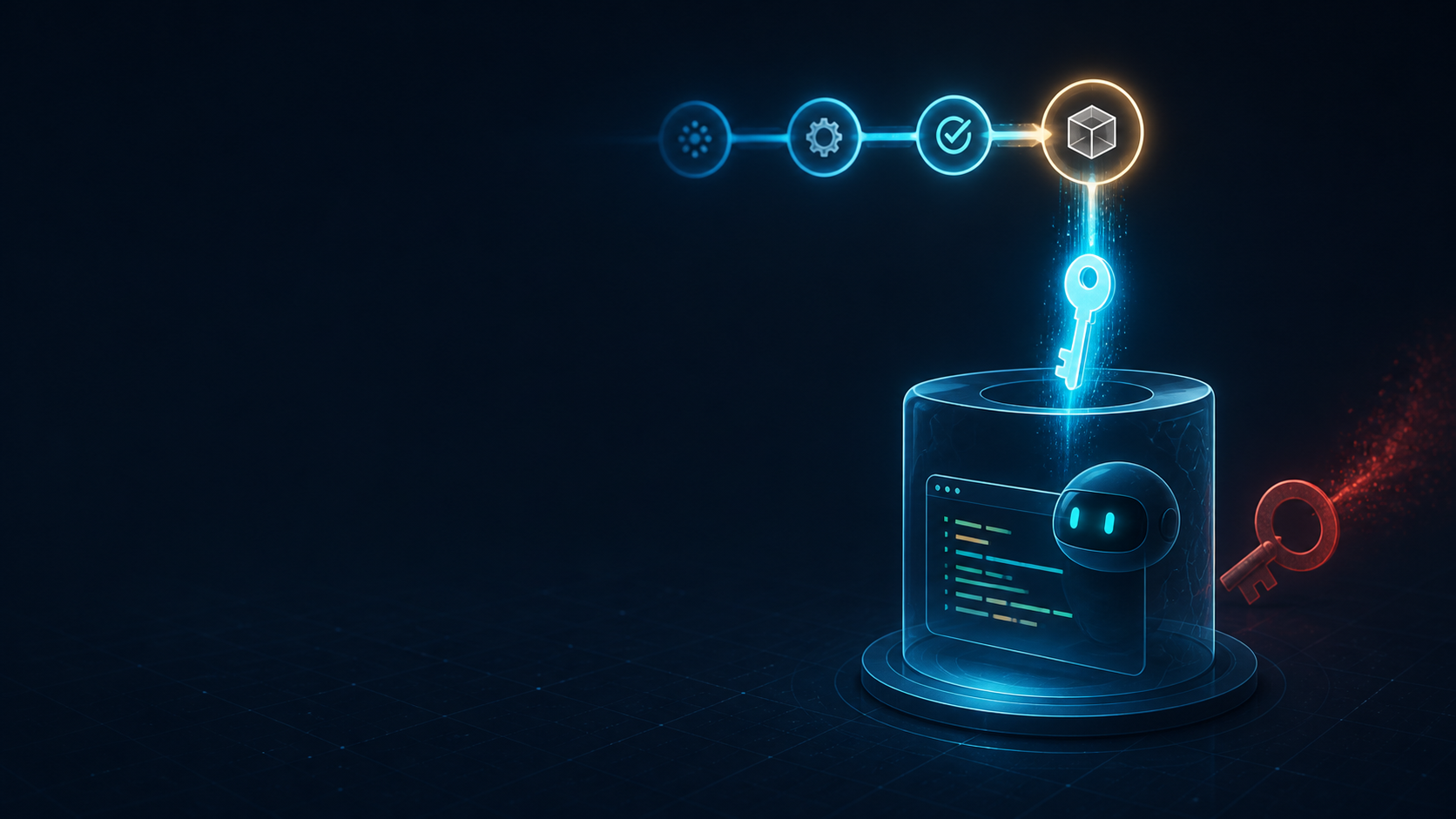
GitHub Actions is a useful place for small, repeatable Copilot CLI tasks: summarize a change, inspect a failing build, or prepare a report. It is also a bad place to leave a long-lived personal access token lying around. A token tied to one person creates rotation work, unclear ownership, and a bigger blast radius when a workflow is changed. GitHub's July 2026 change lets Copilot CLI authenticate in Actions with the built-in GITHUB_TOKEN. For an organization-owned repository, the resulting AI credit usage is billed to the organization rather than a particular user.
The short version
Enable the organization policy that allows Copilot CLI to be billed to the organization, grant only copilot-requests: write to the workflow, and expose the built-in token as GITHUB_TOKEN. The GitHub setup guide recommends GitHub Agentic Workflows for most automation, but direct CLI invocation is available when you need a normal Actions step.
name: Copilot summary

on:
  workflow_dispatch:

permissions:
  contents: read
  copilot-requests: write

jobs:
  summarize:
    runs-on: ubuntu-latest
    steps:
      - uses: actions/checkout@v6
      - name: Install Copilot CLI
        run: npm install -g @github/copilot
      - name: Summarize the change
        env:
          GITHUB_TOKEN: ${{ secrets.GITHUB_TOKEN }}
        run: copilot --yolo -p "Summarize the changes in this repository"
The example is intentionally manual. workflow_dispatch gives you a safe first run and avoids creating an always-on agent before you understand its output. Add a schedule or repository event only after the prompt, permissions, and produced files have been reviewed.
Why GITHUB_TOKEN is a better default
The built-in token is short-lived and scoped to the workflow run. It represents the Actions installation, not a developer who happens to own a PAT. That makes the workflow easier to hand over and reduces the work involved in revoking or rotating a personal credential. GitHub's billing and security documentation recommends GITHUB_TOKEN for organization-owned repository automation.
- No personal token needs to be stored as an Actions secret.
- The request is attributed to the organization installation.
- The workflow permissions are visible next to the job instead of hidden in a PAT configuration.
A PAT is still an option when you deliberately want usage billed to a user's Copilot seat or need a setup that is not covered by the organization policy. It should be the exception, with a clear owner and a narrow permission set.
The permission is easy to miss
GITHUB_TOKEN does not grant Copilot access just because the variable exists. The workflow needs copilot-requests: write. Keep the rest of the permission block as small as the task allows. A summary job that reads the repository does not need contents: write, pull-requests: write, or broad issue permissions.
permissions:
  contents: read
  copilot-requests: write
The exact permissions still depend on what the workflow does after Copilot returns. If the job opens an issue or pull request, add only the permission for that action and review whether the agent should be allowed to perform it at all.
Remember that the CLI is still an agent
Changing authentication does not make the workflow safe by itself. Copilot CLI can inspect and modify repository contents, so the prompt, allowed tools, trigger, and repository context all matter. GitHub's programmatic CLI reference documents explicit tool permissions for shell, write, URL access, and MCP tools. Use those controls instead of giving the job every capability.
- name: Generate a report
  env:
    GITHUB_TOKEN: ${{ secrets.GITHUB_TOKEN }}
  run: >-
    copilot --yolo
    -p "Read the git log and write a report to summary.md"
    --allow-tool='shell(git:*)'
    --allow-tool=write
This example allows only the Git commands needed for the report and writing output. It is illustrative, so confirm the current CLI syntax and the file paths your own task requires. Keep generated output in a known location and publish it as a workflow artifact or job summary only after reviewing whether it can contain secrets.
Forks and untrusted input are the sharp edge
GitHub calls out pull request workflows from forks as a particular risk. The agent may process attacker-controlled issue text, commit messages, or source files as prompt input. A workflow that can write files, call external tools, or open a pull request needs a trigger and approval model that assumes input can be hostile. The security considerations in the Copilot CLI documentation recommend least privilege, careful trigger review, and Agentic Workflows for guardrails around automated use.
Safer first rollout

- Start with workflow_dispatch.
- Run in a dedicated test repository.
- Use contents: read plus copilot-requests: write.
- Avoid pull_request_target for agent write tasks.
- Do not pass secrets into the prompt or generated files.
- Review the diff and logs before enabling a schedule.
- Add write permissions only for a task that needs them.
Budgeting changes with organization billing
When GITHUB_TOKEN usage is billed to an organization, user-level Copilot budgets do not control that spend because the request is not attributed to a user. GitHub points to cost centers and organization billing dashboards as the controls for this usage. A workflow can also set an AI credit session limit so one run cannot consume without bound.
Before enabling a schedule

1. Estimate how often the workflow will run.
2. Set a session limit appropriate for one run.
3. Decide which cost center owns the usage.
4. Check the organization billing dashboard after a test run.
5. Add an alert or review step for unexpected growth.
Do not treat a successful first run as a budget forecast. Prompt length, model choice, tool use, and repository size can change the amount of AI credit consumed. Measure a few runs and set the limit based on the task you actually want to automate.
A sensible migration path
- Find workflows that use a PAT only for Copilot CLI authentication.
- Enable the organization billing policy and confirm the CLI version supports GITHUB_TOKEN.
- Replace the PAT environment variable, reduce permissions, and run the workflow manually.
- Inspect the logs, generated changes, tool permissions, and AI credit usage.
- Remove the old PAT only after the replacement has passed the same test cases.
The main benefit is not just fewer secrets. It is clearer ownership. The workflow belongs to the repository, the token belongs to the run, the spend belongs to the organization, and the permissions are visible in version control. That is a much easier setup to review when an agent starts doing real work.