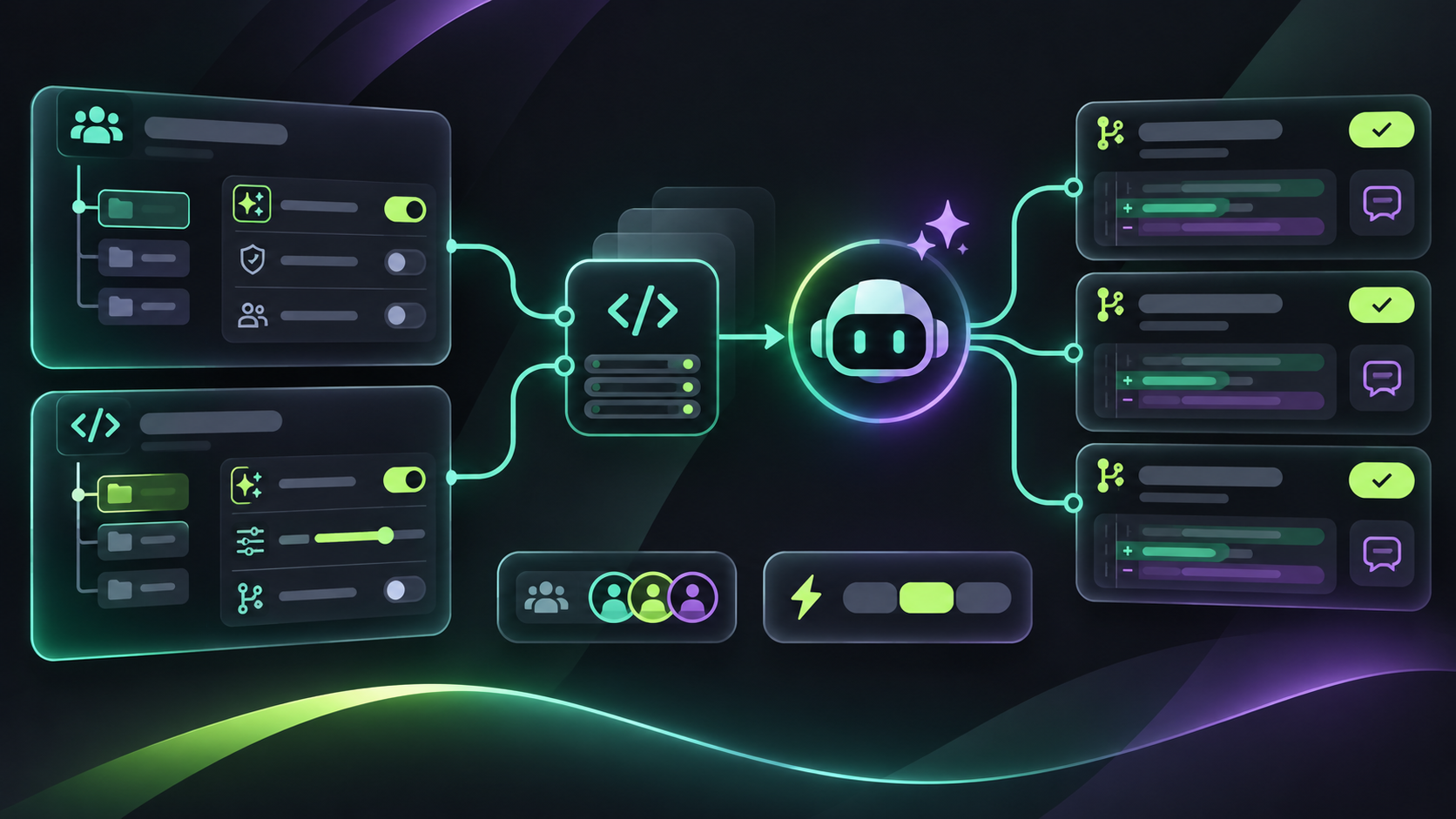
This matters when your organization manages many repositories. Settings can now be inspected and changed as part of an onboarding flow, a policy audit, or a controlled rollout. The important detail is that each scope has different authority and authentication support.
What each API scope can manage
At the enterprise level, administrators can enable or disable Copilot code review for all organizations, or leave the decision to organization administrators. Enterprise policy is the ceiling: lower scopes cannot override a setting that the enterprise manages.
At the organization level, administrators can manage enablement when the enterprise delegates that choice, set the default review effort, and configure the runner. An organization default can still be changed by a repository administrator unless the organization policy limits the available effort or controls.
At the repository level, administrators can set review effort and choose whether Copilot reviews use custom instructions and MCP tools. The REST API uses the same effort levels as the web interface, and organization and repository responses list the levels available to the caller.
The permission trap: scope changes token support
Enterprise and organization settings endpoints do not support GitHub Apps or fine-grained personal access tokens. Repository settings endpoints support both: use Administration read to inspect settings and Administration write to update them. A classic personal access token needs repository administrator access. Do not assume a token that works for repository automation will also work for organization policy.
Use a staged rollout instead of one global switch
Start by reading the enterprise, organization, and repository settings into an inventory. Record which scope owns each value before changing it. Then choose a default effort at the organization level, select a small repository cohort, and opt those repositories into custom instructions or MCP tools only after the settings are visible in your audit trail.
When a write fails, report whether the failure came from enterprise policy, organization authority, repository permission, or unsupported authentication. A 403 at the repository scope does not mean the setting is unavailable everywhere; it may only mean the caller lacks Administration write.
Identify what Copilot used
Review and comment responses can now expose explicit attribution fields, the review effort used when available, and the skills, MCP servers, or custom instructions reported as sources for a comment. Store those fields with your review record when you need to explain why a finding appeared or compare two review configurations.
What changed in the review overview
The review overview is more compact. Review effort and surveys move into a footer, skipped and content-excluded files share a Files not reviewed section, empty sections disappear, and long lists show an overflow count. This makes the top-level status easier to scan without removing the underlying findings.
If an overview is wrong, the thumbs-down flow now lets you choose a reason such as a disputed approval assessment, an overly verbose comment, or an incorrect or nitpicky finding. That feedback is useful for separating a review-quality problem from a policy or configuration problem.
Automatic reviews get safer controls
The Automatically request Copilot code review repository rule now supports a bypass list, so exempt actors do not receive an automatic review. Use it for service accounts, generated branches, or other paths where an automatic review would create noise. On later reviews of the same pull request, findings unrelated to recent changes are collapsed and then hidden.
Reliability and billing fixes to watch
GitHub says billing and preview settings now survive turning code review off and on. Failed or timed-out reviews retry once automatically and can switch to another eligible model. Reviews that were in progress during a service update get more time to finish, and reviews no longer report a false failure immediately after starting.
A practical API rollout checklist
Read settings at all three scopes and record the owner of each value. Test authentication separately for enterprise, organization, and repository calls. Roll out one review effort to a small repository cohort. Capture attribution fields in your review data. Add bypass entries for generated or service-owned pull requests. Finally, compare review failures and retry behavior before and after the rollout.
The useful change is not just another settings endpoint. It gives platform teams a way to make Copilot code review a managed product surface: policy at the top, deliberate defaults in the middle, repository-level exceptions at the bottom, and enough attribution to understand the result.