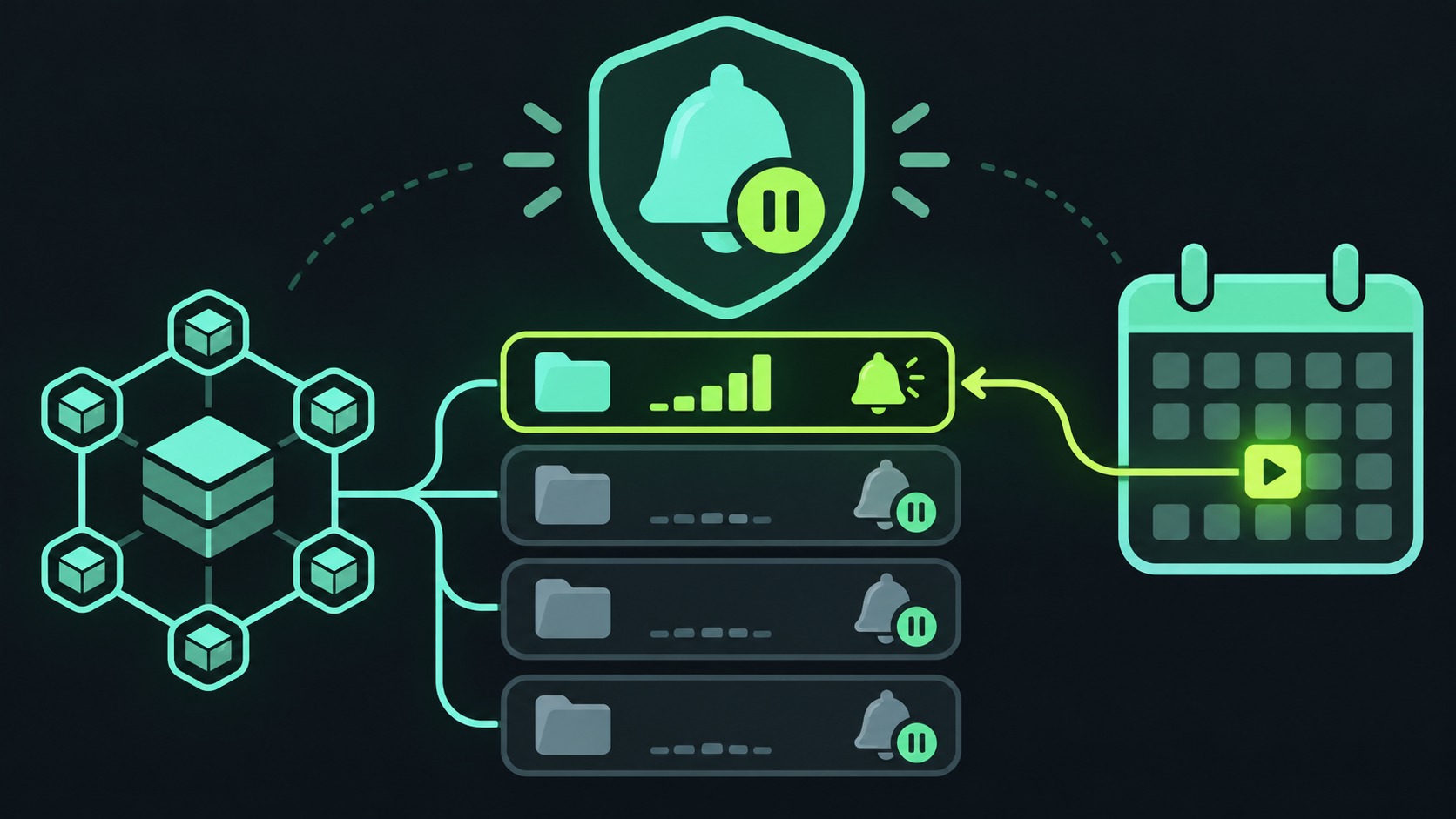
This is easy to miss if you keep old libraries, examples, archived products, or low-traffic internal tools in GitHub. A repository can look healthy in the security tab today and silently stop receiving new Dependabot alerts next month if no qualifying activity occurs.
What changes on December 8
GitHub will disable Dependabot alerts for most repositories with no activity during the past year. The existing alerts are archived rather than removed. That means the repository history is not erased, but the repository will not keep receiving the same alert coverage while alerts are off.
What counts as activity
How to keep alerts on
The safest first step is to inventory repositories that still matter but have not changed in a year. For each one, decide whether it needs ongoing vulnerability coverage. If it does, make a real maintenance change and push it, or enable Dependabot alerts again in the repository settings. Either action restores archived alerts and starts a new one-year clock.
The enterprise exceptions
What this does not mean
This is not repository archival, and it is not a deletion of the alert history. It is also not a reason to create meaningless commits. If a project is truly retired, document that decision and accept that it will not receive ongoing dependency analysis. If it is still a supported product, give it an owner and a maintenance path instead of relying on a dormant repository to protect itself.
A short preparation checklist
List repositories with production code, shipped packages, deployed infrastructure, or dependencies used by other projects. Check the last push date and whether Dependabot alerts are enabled. Mark repositories that need continuous coverage, then either assign an owner for a maintenance push or enforce the setting at the enterprise level. Finally, record how you will notice if alerts are disabled later.