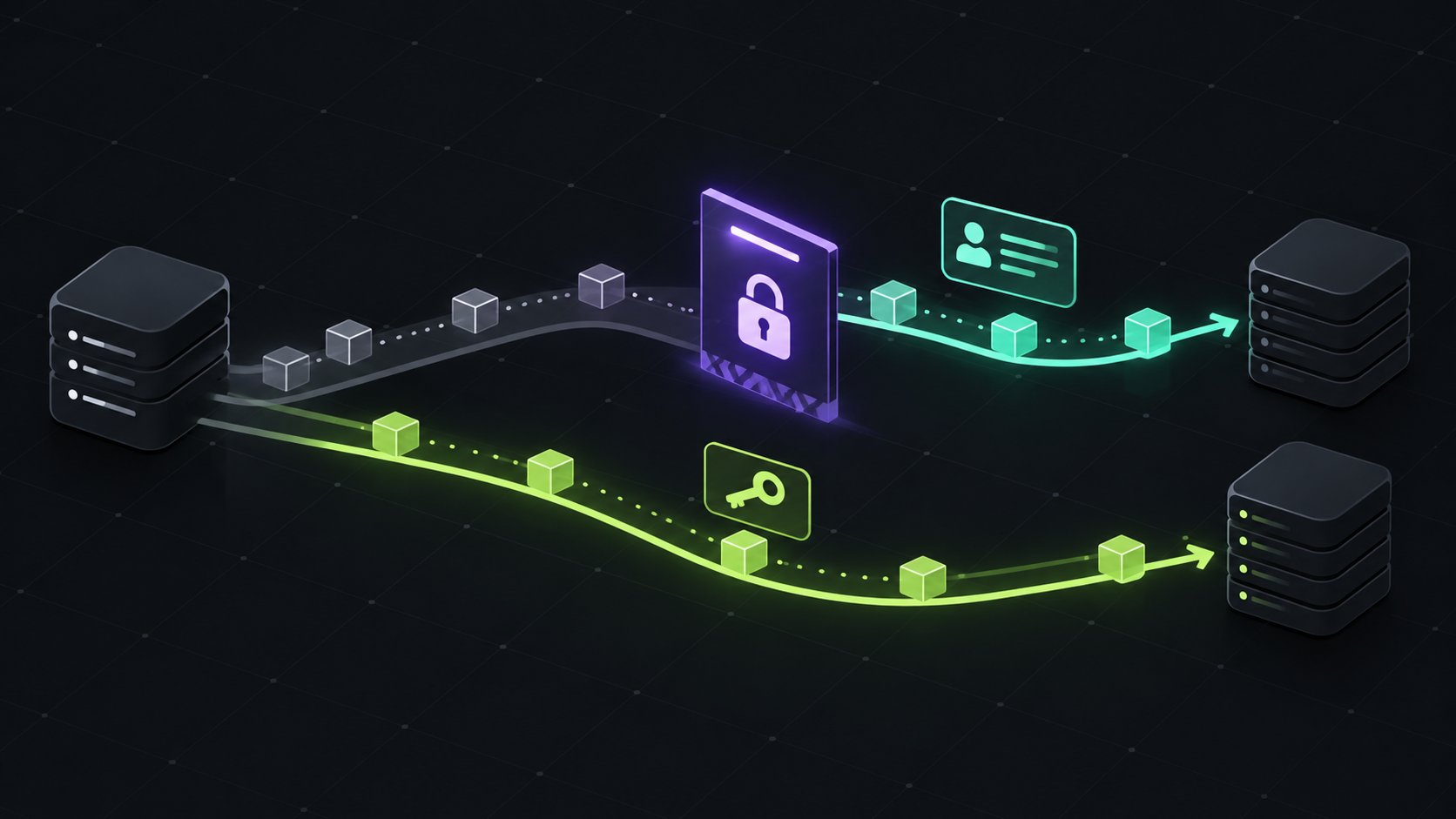
A public GitHub repository can normally be cloned without a credential. GitHub has now documented a narrower exception: during unusual traffic, some public clones and fetches over HTTPS may temporarily require authentication to protect github.com availability.
That does not mean public repositories are becoming private or that every anonymous Git operation will stop working. It is a temporary traffic-protection measure, applied to selected operations when GitHub sees signals associated with anomalous traffic.
What changed
If your clone or fetch is selected for protection, Git returns an error saying authentication is required. Authenticate and retry, or wait and try the unauthenticated operation again after the temporary protection has been lifted.
GitHub says these paths are unaffected: authenticated Git over HTTPS, Git over SSH, and unrelated GitHub web and API traffic. The protection applies to repositories on github.com across all plans.
The quickest fix for local Git
First check the remote URL. A URL beginning with https://github.com uses HTTPS; a URL beginning with git@github.com: uses SSH. If you already have a credential helper configured, rerun the same command and complete the sign-in prompt when it appears.
For a personal development machine, SSH is a practical long-term option if it matches your team policy. For a shared script or build machine, use a service identity with a deliberately small permission set instead of copying a developer token into the environment.
Make CI explicit about authentication
GitHub Actions already has the built-in GITHUB_TOKEN. Use it for repository operations whenever its permissions are sufficient, and declare the minimum permissions needed at workflow or job scope.
permissions:
  contents: read

jobs:
  build:
    runs-on: ubuntu-latest
    steps:
      - uses: actions/checkout@v5
        with:
          token: ${{ secrets.GITHUB_TOKEN }}
The checkout action can use the workflow token automatically, so the explicit token input is optional in many workflows. The important part is avoiding a public, unauthenticated fetch assumption in automation that needs to keep running during traffic protection.
For other CI systems, GitHub recommends a GitHub App installation access token for reliable automated clones and fetches. A personal access token can work as a fallback, but it should belong to a managed automation identity, be scoped tightly, and have an expiration and rotation plan.
Do not turn a temporary failure into a secret leak
Do not put a token directly in a repository URL, print it while debugging, or pass it as a command-line argument that your CI system records. Store it in the platform secret manager, use the provider's supported credential mechanism, and mask diagnostic output.
A retry can help with a temporary protection decision, but retrying forever is not a fix. Use a small bounded retry with backoff, then fail with the original error and a clear instruction to configure authentication.
A useful diagnosis checklist
Confirm whether the remote is HTTPS or SSH with git remote -v.
Run git ls-remote against the same remote to isolate fetch authentication from checkout or build failures.
Check whether authenticated GitHub web and API requests still work. If they do, the issue may be limited to the unauthenticated Git path.
Inspect the credential helper and CI secret wiring without echoing the credential itself.
What to change today
Audit production build and release jobs that clone public repositories anonymously. Give those jobs an explicit, least-privilege authentication path, prefer GitHub App installation tokens outside Actions, and keep a bounded retry for short-lived protection events.
The practical lesson is simple: public source does not guarantee that every anonymous transport path will be available at every moment. Authentication is now a useful reliability control for automation, even when the repository itself is public.
Sources: GitHub Changelog: temporary authentication for some Git over HTTPS operations; GitHub authentication documentation; Managing remote repositories.