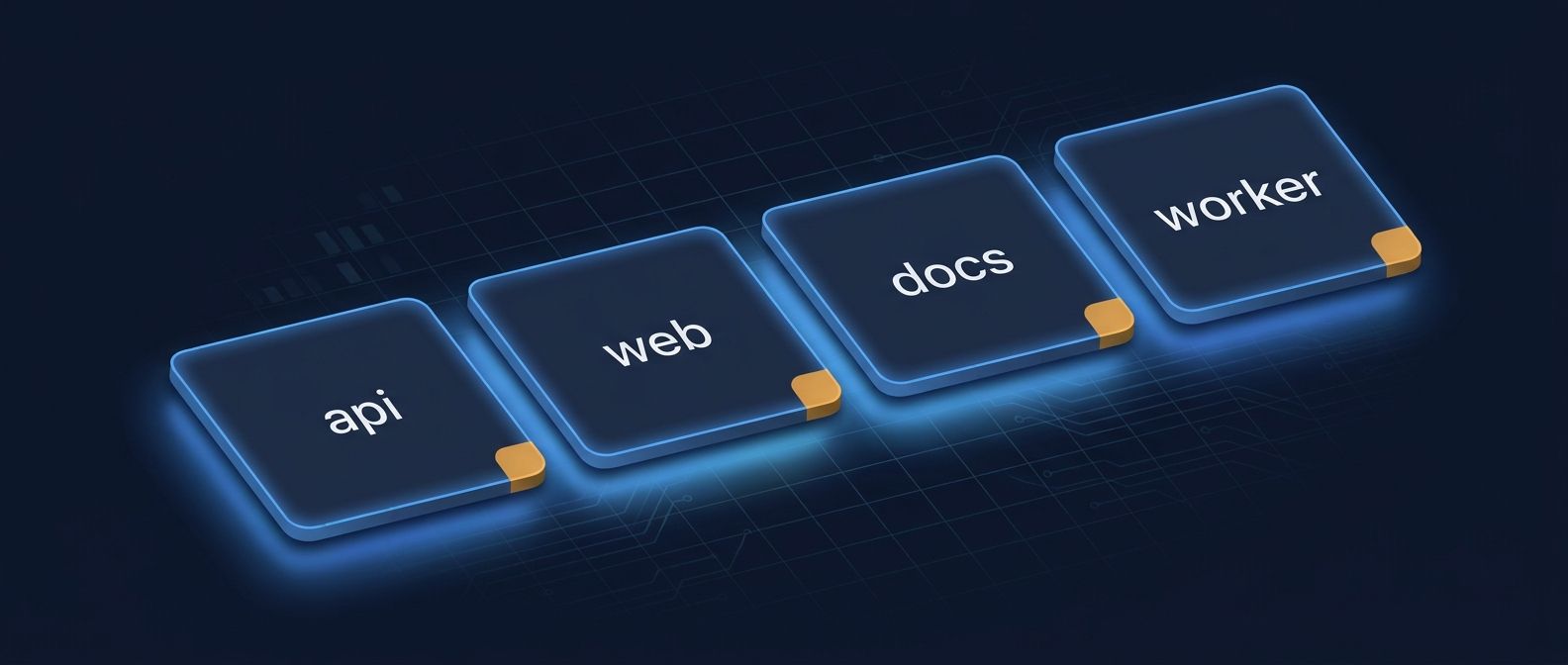
A repository name is part of your project’s interface. It appears in clone commands, pull requests, package links, dashboards, search results, and conversations. A vague name creates small bits of friction everywhere. A clear name helps someone understand the project before they open it.
GitHub does not force one naming convention on every team. That is useful, but it also means your team has to make a few decisions deliberately. The goal is not to invent a perfect grammar. The goal is to make names predictable enough that people can guess them.
Start with the question the name should answer
Before choosing words, decide what a person should learn from the repository name alone. Most names need to communicate one or more of these things:
- What product, team, or domain owns the repository
- What the repository contains, such as an API, web app, library, infrastructure, or documentation
- Whether it is a template, example, fork, proof of concept, or production service
- Which platform or integration it belongs to, when that distinction matters
For example, payments-api is easier to place than backend. docs-site is easier to place than website. acme-auth-action is more useful than action-1 if an organization maintains several GitHub Actions.
Use a small set of rules
A naming scheme works when it is easy to apply during a busy week. Write down a few rules and use them for new repositories before you try to rename everything that already exists.
- Use lowercase letters and hyphens for multiword names. They are easy to read in URLs and shell commands.
- Put the most important word first. A team that owns several products might start with the product name, followed by the component.
- Prefer a specific noun over a vague status word. client-portal is clearer than new-frontend.
- Avoid names such as final, latest, new, and v2 unless they describe a real, stable distinction. Those words become misleading as the project changes.
- Use one spelling for common terms. Decide whether your team writes frontend or front-end, docs or documentation, and service or svc.
A simple pattern for many teams is <product>-<component>, such as acme-billing-api, acme-billing-web, and acme-billing-docs. A platform team might use <domain>-<purpose>, such as developer-platform-terraform or developer-platform-runner-images.
Name monorepos and small repositories differently
A monorepo usually needs a product or organization name because one repository contains several applications or packages. A focused repository can often use the component name by itself. Do not add every directory name to a monorepo’s repository name. The README and directory structure can carry that detail.
For small experiments, make the temporary nature explicit instead of hiding it. A name such as checkout-prototype tells readers what they are looking at. If the experiment becomes a maintained product, rename it once the purpose is known.
Keep forks, templates, and examples obvious
Repositories that are meant to be copied or used as references benefit from a clear suffix or prefix. Examples include api-client-template, react-dashboard-example, and infrastructure-modules. This prevents a starter project from being mistaken for the source of truth.
For forks, keep the upstream project recognizable and use the repository description to explain what your fork changes. The name should help people identify the project, while the README should explain the relationship.
Pair the name with the rest of the repository metadata
A good name cannot do all the work. GitHub’s repository page also gives you a description, a README, topics, and a default branch. Treat those fields as a small package:
- Use the description for a one-sentence explanation of the repository’s purpose.
- Use the README for setup, ownership, status, and contribution details.
- Use topics for the project’s subject, audience, language, or ecosystem.
- Use the default branch to make the main line of development obvious.
GitHub documents these repository-level metadata options in its GitHub’s repository customization guide
For more detail on topics, see Topics are public labels that help people browse related repositories
A quick naming review
Before you create or rename a repository, ask a teammate to identify it using only the name. If they cannot tell what it contains or where it belongs, the name needs more context.
- Does the name describe the repository’s current purpose?
- Would someone find it by typing the product or domain name?
- Does it match names of related repositories?
- Will it still be accurate if the implementation changes?
- Is the distinction from a template, example, fork, or archived project obvious?
Rename carefully
Renaming can improve a repository, but it has a cost. Check clone URLs, package names, CI configuration, documentation, badges, deployment settings, and links in other repositories. Make the change with a short migration note so teammates know what moved.
The best repository naming convention is the one your team can follow without a meeting. Pick a readable pattern, document a few examples, and review names as part of repository creation. Over time, that small habit makes a large GitHub account much easier to navigate.