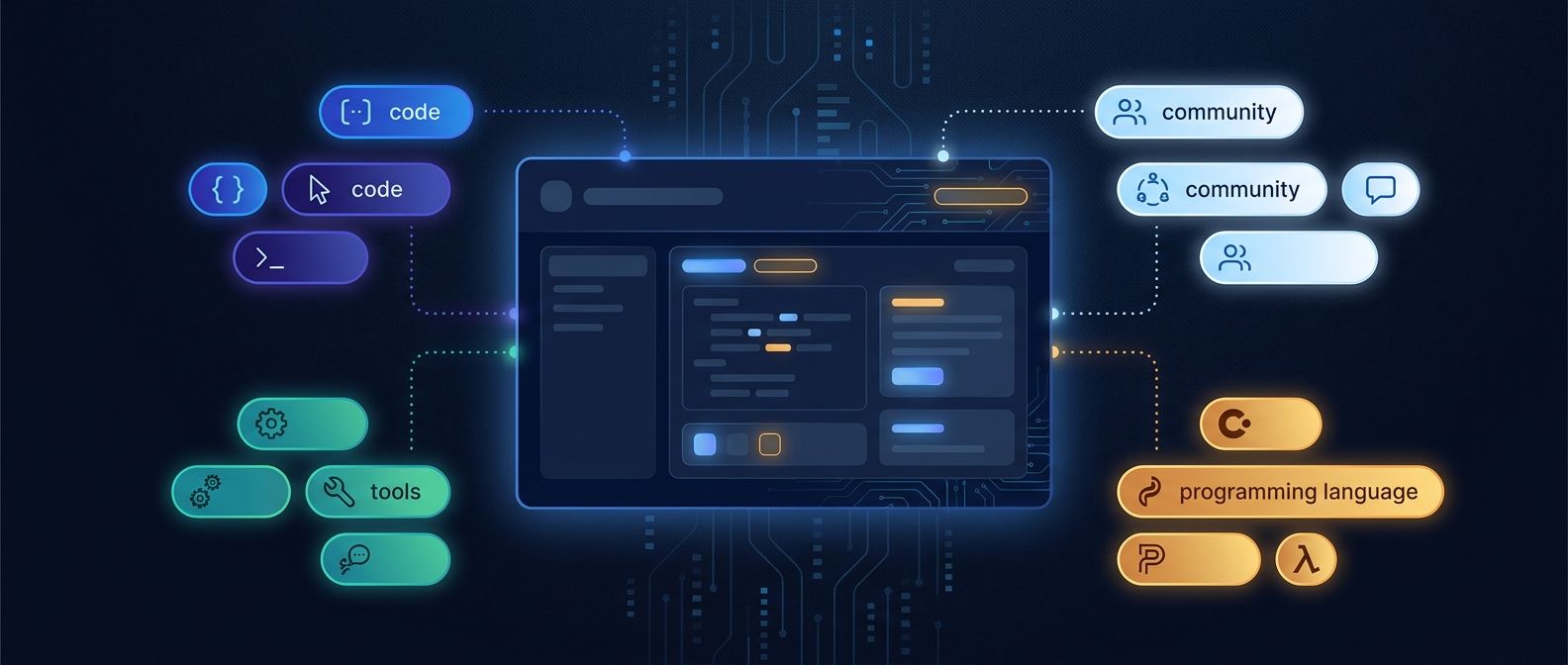
Repository topics are small labels with a useful job: they tell people what a project is about before they read the README. A good topic set can help a repository appear in topic browsing and make its purpose clearer to contributors.
Topics are not a substitute for a useful repository name, description, or README. Think of them as extra signals that describe the project from a few different angles.
What repository topics describe
GitHub suggests using topics for a repository’s intended purpose, subject area, affinity group, or other important qualities. That gives you several ways to describe the same project without stuffing every phrase into its name.
- Purpose: project-management, static-site-generator, database-migration
- Subject: developer-tools, accessibility, observability
- Language or ecosystem: typescript, rust, react, cloudflare-workers
- Community or event: hacktoberfest, open-source, education
Choose topics that a potential user or contributor would actually recognize. A topic should help someone decide whether to open the repository.
Follow GitHub’s topic rules
GitHub’s current guidance says topic names should use lowercase letters, numbers, and hyphens. A topic can be up to 50 characters, and a repository can have no more than 20 topics. Those limits are a ceiling, not a target.
- Start with five to ten strong topics rather than adding every related word.
- Use the common spelling for an ecosystem or tool.
- Prefer one precise topic over several vague synonyms.
- Remove a topic when the project no longer fits it.
You can verify the limits and naming rules in GitHub’s topic documentation
Use a balanced topic set
A useful set usually combines the project’s purpose with its implementation and audience. For a repository that helps teams manage code repositories, a balanced set might be:
- repository-management
- developer-tools
- github
- productivity
- typescript
That list is more useful than ten broad labels such as software, app, tool, project, and development. Broad labels describe almost everything, so they help people decide almost nothing.
Add topics from the repository page
Open the repository on GitHub and use the edit control next to About. Add topics one at a time, choose a suggested match when it is accurate, and save the changes. Repository administrators can add topics to public and private repositories.
Topic names are always public, even when the topic is added to a private repository. Do not use topics to reveal internal project names, customers, or confidential work.
Topics and search visibility
Topics can improve how a project is categorized and discovered, but they are not a magic search ranking switch. They work best when they agree with the repository name, description, README, and actual code. A repository labeled rust that contains no Rust code will lose trust quickly.
Use the same language across the repository. If the README calls a project a GitHub Action but the topics only say automation and scripts, add the more specific topic when it is accurate. Consistency helps both people and tools interpret the project.
Review topics as the project changes
Topics are easy to add and easy to forget. Review them when you change the project’s scope, move to a new framework, or stop supporting an integration.
- Remove topics that are no longer accurate.
- Add a topic for a new supported ecosystem only when the project really supports it.
- Keep the purpose topic even if the implementation changes.
- Check the topic page and a few related repositories for the vocabulary people actually use.
Pair topics with a clear repository page
A topic set works best when the rest of the repository page answers the next questions. The description should say what the project does. The README should show who it is for and how to start. The license should match how you want others to use the code.
For more on the repository details that sit beside topics, see GitHub’s repository customization guide
If the project is part of a larger set of repositories, use a shared naming pattern and a consistent topic vocabulary. That makes an organization easier to browse and gives contributors a clearer route from one repository to the next.
A five-minute topic audit
- Read the repository name and description without opening the code.
- List the three words a new contributor would use to describe the project.
- Compare those words with the current topics.
- Remove vague, outdated, or misleading topics.
- Add only the specific topics that match the project today.
Repository topics are a small maintenance task, but they compound over time. Keep them accurate, specific, and consistent with the rest of the page. That gives contributors a better first impression and makes useful projects easier to find.