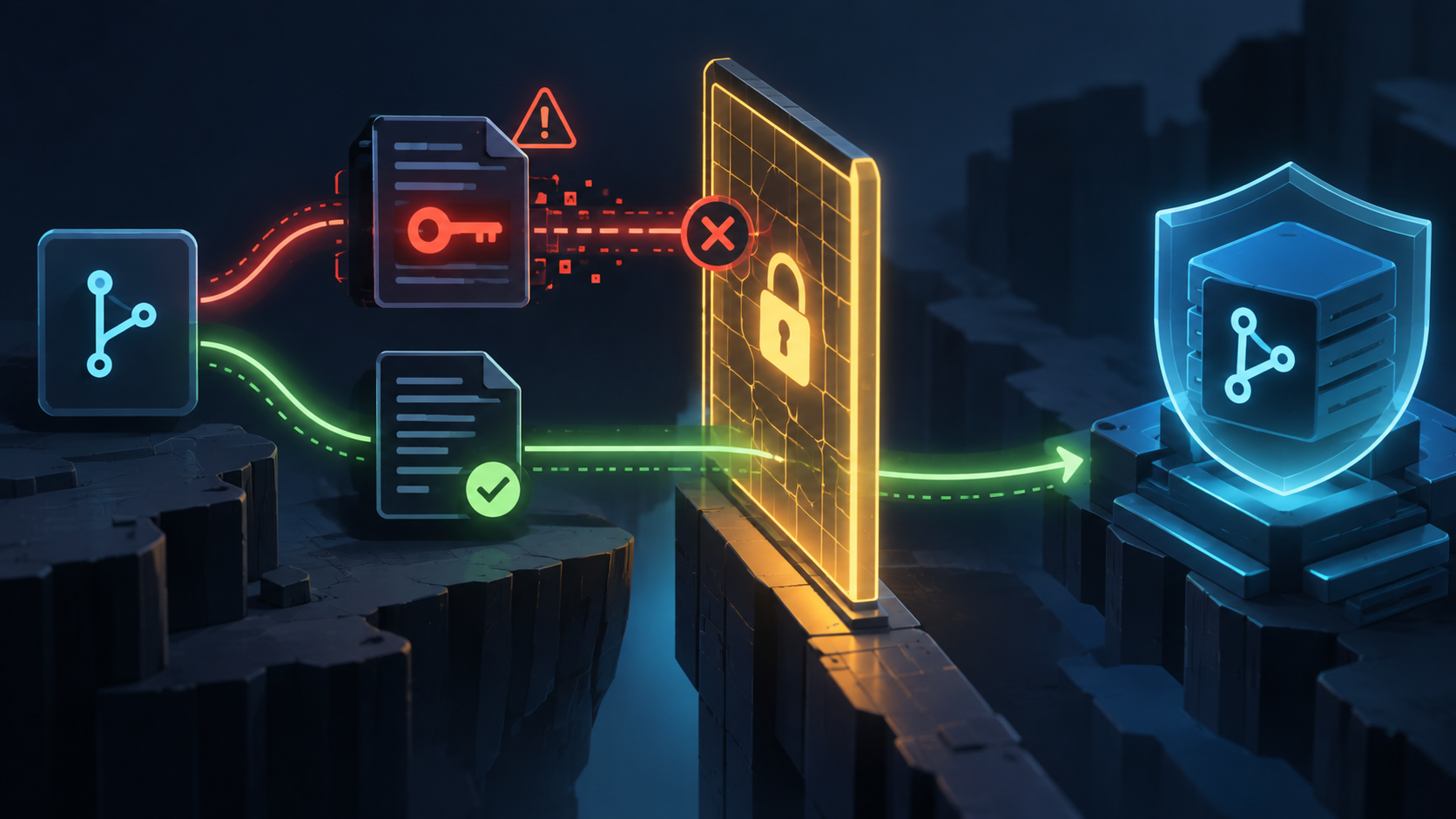
A secret committed to a pull request is already a security incident. The best time to stop it is before the change reaches a protected branch. GitHub has added a repository ruleset rule that can block a pull request when it introduces an open secret scanning alert.
The feature is in public preview and requires GitHub Secret Protection or GitHub Advanced Security. It is different from push protection: push protection tries to stop a secret at push time, while this ruleset adds a merge gate for pull requests. The GitHub announcement covers the rollout and the secret merge protection documentation has the current configuration details.
What the rule checks
Before the pull request can merge, GitHub checks two conditions: a secret scan must have completed for the pull request's head commit, and the pull request must not introduce an open alert that matches the secret types selected in the ruleset. If either condition is false, the merge is blocked.
The rule can cover provider patterns, custom patterns, and generic patterns. AI-detected secrets are not supported by this rule. By default, it blocks provider-pattern alerts; custom and generic patterns can be added when you configure the rule.
Configure it in a ruleset
- Open the repository's Settings, then Rulesets.
- Create a branch ruleset and target the protected branch, usually main or master.
- Under Branch protections, select Require secret scanning alerts are resolved.
- Choose the secret types that should block a merge, then set the enforcement status.
Start with Evaluate if you need to see the impact without blocking merges. Once the results are understandable, switch to Active. GitHub ruleset insights are useful for finding repositories or teams that would be affected by the rule.
Settings → Rulesets → New branch ruleset

Branch protections
  ✓ Require secret scanning alerts are resolved

Secret types
  ✓ Provider patterns
  ○ Custom patterns
  ○ Generic patterns
Do not confuse it with push protection
Push protection is the earlier checkpoint. It can warn or block when someone tries to push a detected secret. The merge rule is a second boundary for pull requests, which matters when a secret arrives through a branch, a bot, a bulk change, or a workflow that was not stopped at push time.
Neither control replaces rotation. Once a real credential has been committed, treat it as compromised. Rotate or revoke it first, then remove the secret from the change and resolve the alert. Removing the string from the latest commit without rotating the credential does not undo access that may already have been copied.
A safe rollout plan
- Enable secret scanning and confirm that the alert queue has owners. A merge block without a response path turns a detection into a queue nobody can clear.
- Create an Evaluate ruleset for a small set of important repositories. Review which pull requests would have been blocked.
- Begin with provider patterns. Add custom or generic patterns only after checking false positives and documenting how contributors should resolve them.
- Set bypass permissions deliberately. A bypass should identify a person or team, have a reason, and leave an audit trail.
- Move to Active after the workflow is clear. Tell contributors what the block means and link to the resolution guide from your team documentation.
How contributors unblock a pull request
First determine whether the alert is a real credential. If it is real, rotate or revoke it immediately. Remove it from the pull request, push the fix, and close the alert with the appropriate resolution. If it is a false positive or a test value, use the documented resolution path and leave enough context for the next reviewer.
1. Rotate or revoke the credential.
2. Remove the secret from the pull request.
3. Push the fix and wait for secret scanning to finish.
4. Resolve or close the alert with a reason.
5. Re-check the ruleset status before merging.
A secret in Git history may still be recoverable even after a later commit removes it. If the credential was valid, cleanup is not the first response. Rotation is. GitHub's alert resolution guide describes the recommended order and provider-specific follow-up.
Important limits
- This is a public preview feature. Behavior and configuration may change.
- The protected repositories need Secret Protection or Advanced Security and secret scanning enabled.
- AI-detected secrets are not covered by the merge rule.
- A scan that has not completed can block the pull request, so allow time for scanning in automation and contributor expectations.
A merge ruleset is a useful final boundary for secrets, but it should sit inside a larger response process: push protection, secret scanning, credential rotation, alert ownership, and a clear bypass policy. Enable it in Evaluate, learn where it will interrupt work, then turn on Active protection for the branches that matter most.