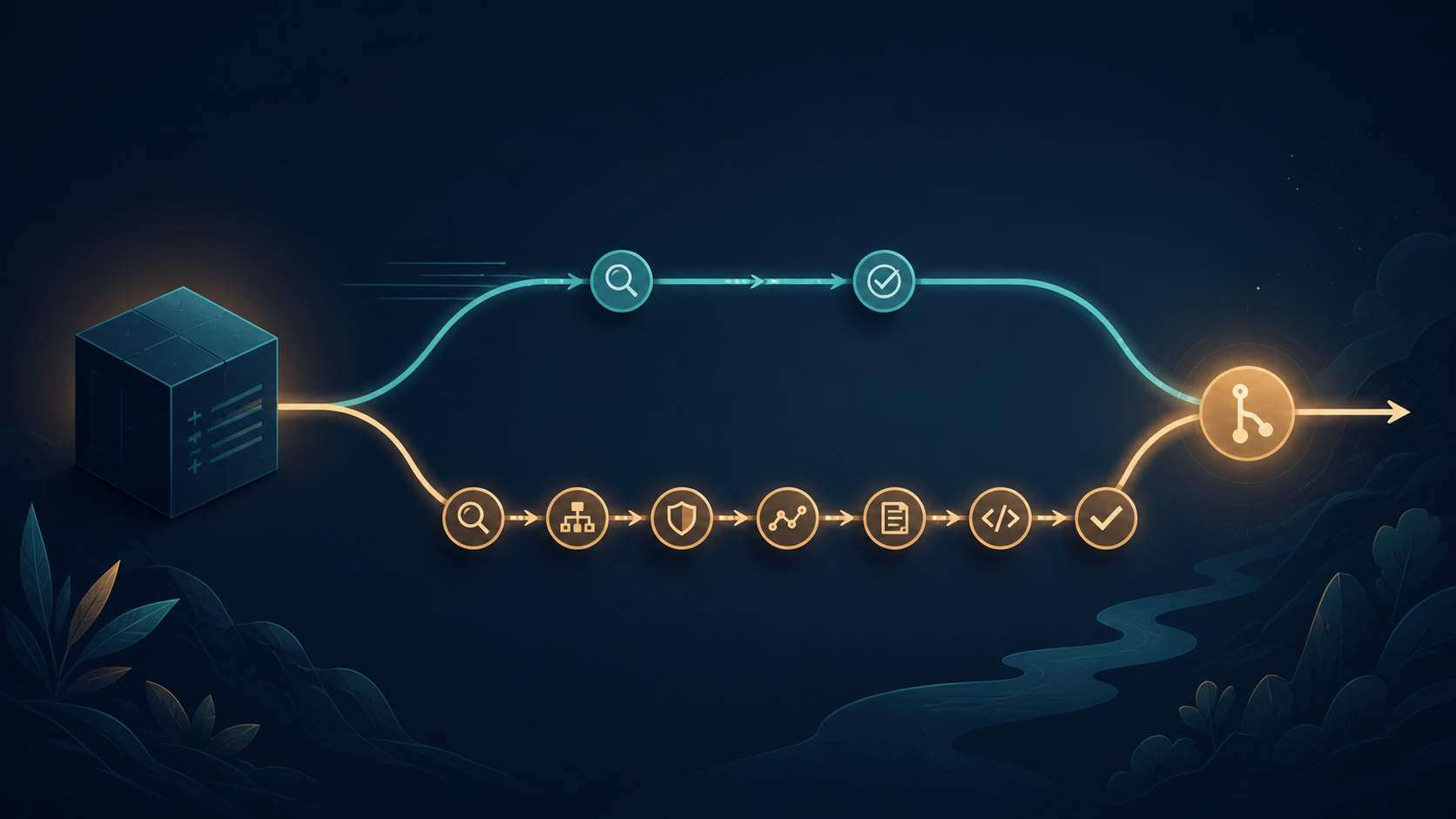
GitHub has expanded pull request archiving beyond repository administrators. Users with the triage role or higher can now archive and unarchive pull requests, which is useful for spam, duplicates, and abandoned work that should leave the active queue without being deleted. The GitHub changelog also clarifies that archived pull requests are now fully read-only.
This is a small permission change with a useful team effect: trusted triagers can handle queue maintenance without receiving write access to the repository. The important detail is that archive is not the same as close, and unarchive is not the same as reopen.
Who can archive a pull request
The archive and unarchive actions are available to users with triage, write, maintain, or admin access. The repository role documentation remains the place to check the wider permission model. The useful boundary is that triage can moderate issues and pull requests without getting permission to push code or change repository settings.
What archiving does
Archiving is a queue-management state with several effects. Treat it as a final quiet state for the current conversation, not as a label that people can keep editing.
- The pull request is automatically closed.
- The conversation becomes read-only.
- New comments, reactions, and automated comments are blocked while it is archived.
- The archived pull request is hidden from public view but remains visible to users with triage, write, maintain, or admin access.
Unarchiving does not reopen the pull request
Unarchiving restores the ability to comment and react, but the pull request stays closed. If the work should continue, the maintainer still has to decide how to restart it, such as opening a new pull request or using the normal reopen action where the repository workflow allows it. This separation prevents an accidental unarchive from putting abandoned work back into the active queue.
A practical triage workflow
- Confirm that the pull request is spam, a duplicate, abandoned, or otherwise ready to leave the active queue.
- Leave any final moderation note before archiving, because new comments and automated comments will be blocked afterward.
- Archive it using a triage-or-higher account. Treat the action as closing and hiding the conversation, not deleting it.
- Use unarchive only when the conversation needs to be visible or continued, then separately decide whether the closed pull request should be reopened.
Update moderation policy and automation
If your project previously routed every archive request to administrators, change that runbook. Give triagers a clear rule for what can be archived, what needs a maintainer decision, and when an archived pull request may be unarchived. Keep repository write access separate from queue moderation unless the team has a reason to combine them.
- Adjust bots that comment after closing or archiving a pull request.
- Do not assume an archived pull request can receive a final automation comment. The new behavior blocks automated comments too.
- Document who can still see archived pull requests when reviewing moderation and retention expectations.
Allowing triage users to archive pull requests removes a small but real permission bottleneck. Use it to keep active queues clean while preserving the conversation for trusted repository roles. The key operational rule is simple: archive closes and hides the PR, unarchive makes the conversation usable again, and neither action should be treated as deletion or reopening.